Docs
Add Agents
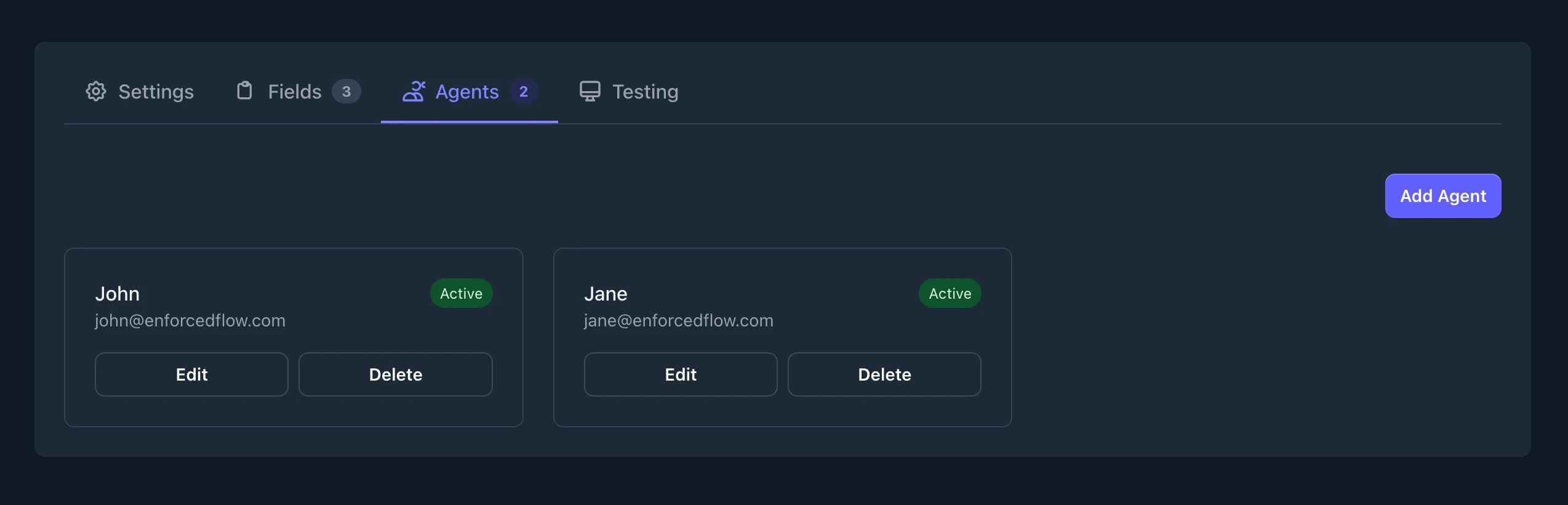
Agents are the team members who will receive routed tasks. Each agent can have custom fields for contact information and routing criteria.
Adding an Agent
Section titled “Adding an Agent”- Navigate to the Agents tab in your group
- Click Add Agent
Agent Information
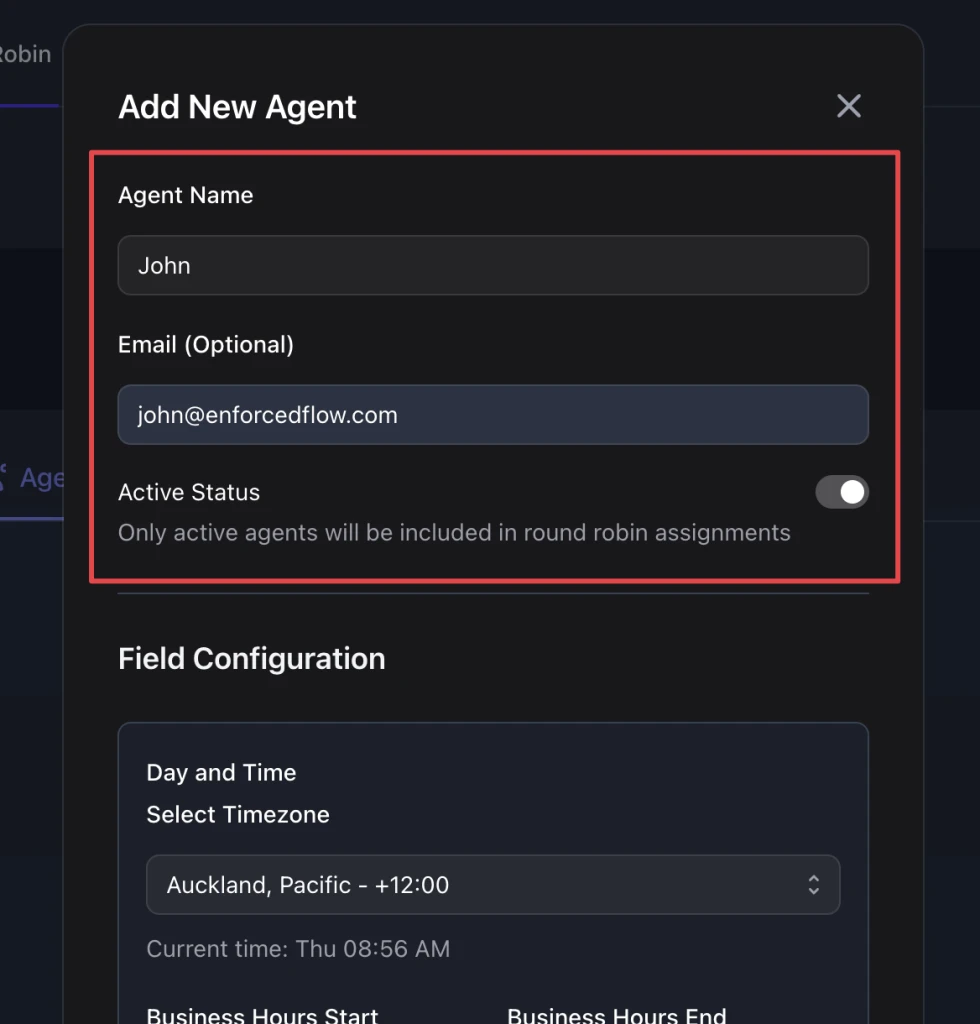
Section titled “Agent Information”When adding an agent, you’ll configure:
- Agent Name - A display name for the agent (required)
- Information Fields - Any fields you configured in Settings (e.g., email, slack_user_id)
- Active Status - Toggle to include/exclude the agent from assignments
Field Configuration
Section titled “Field Configuration”Any routing fields configured in your group will appear in the agent form. Configure each field based on the agent’s attributes.
For details on each field type, see Field Types.
Click Add Agent to save.
Managing Agents
Section titled “Managing Agents”View all agents in the Agents tab. From here you can:
- See each agent’s active status
- Edit an agent’s information or field values
- Delete an agent from the group